
If the vocabulary is new to you, start with our guide, which answers what is workflow automation before naming any tool. This page is about choosing the platform. It comes from practice: at OptimizIA.xyz, we build these workflows for SMEs and keep them running, including on the mornings when one of them fails.
The shortlist: which platform wins for an SME
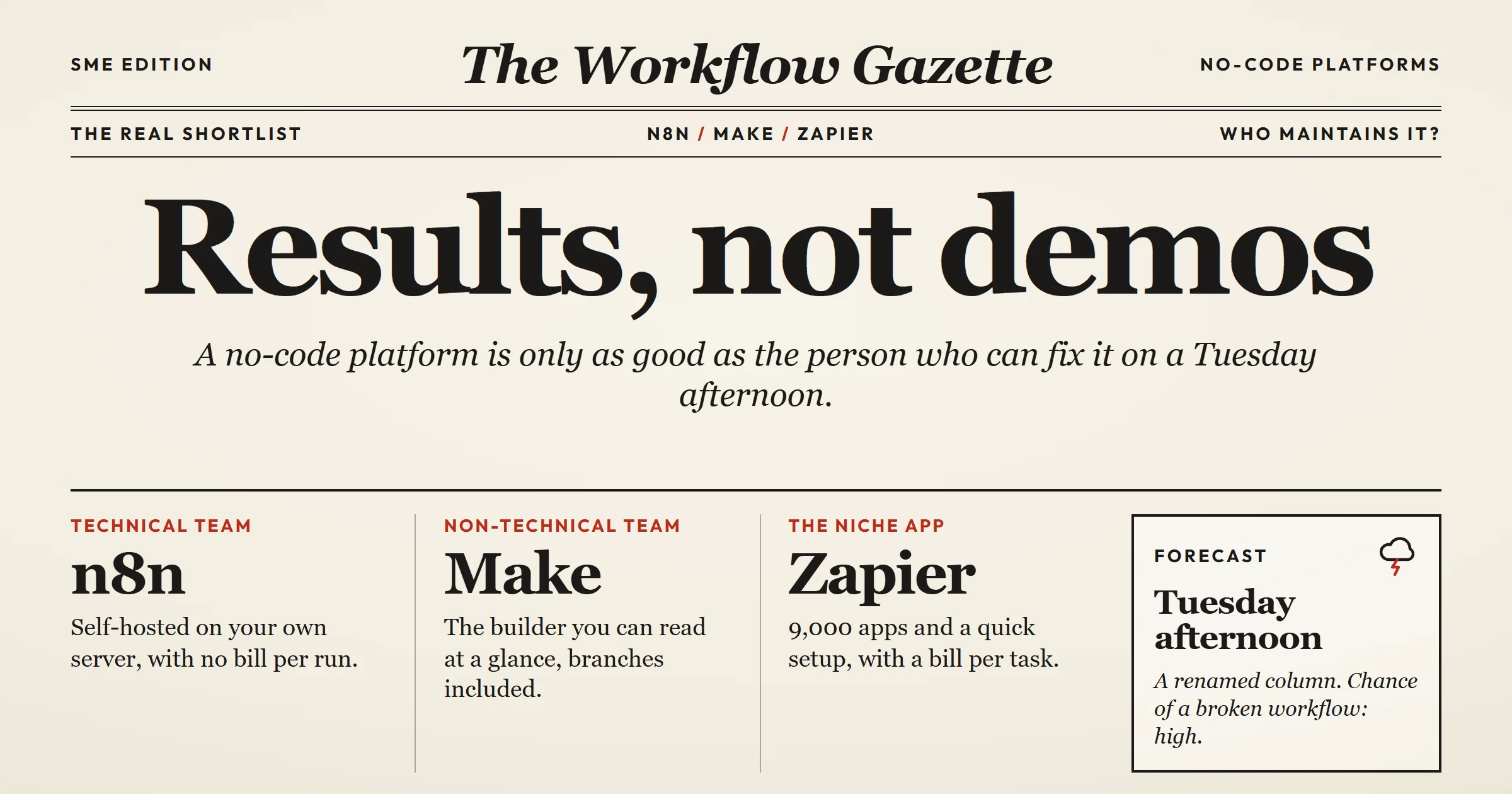
Three platforms dominate the no code workflow automation space for small and medium businesses: n8n, Make, and Zapier. Each has a clear winner profile.
- n8n wins when you need to self-host, when you have technical staff who can read a JSON payload, and when you want to avoid per-operation pricing. It is the most flexible of the three, but that flexibility comes with a steeper learning curve. You can build complex branching logic, call internal APIs, and run the entire platform on your own server. For an SME that handles sensitive client data, that self-hosting option is a deciding factor.
- Make wins when your workflows are visual and branching. Its drag-and-drop interface shows the exact path of data, including error routes. If your process has multiple conditions, such as "if the invoice amount is above X, send to manager, otherwise send to accounting," Make is easier to read than n8n. It is also cheaper than Zapier for high-volume operations: it charges per credit, with a more generous free plan and a lower cost per step.
- Zapier wins when you need the largest library of app integrations. It connects to over 9,000 apps, many of which are not available on n8n or Make. If your SME uses a niche SaaS tool for scheduling or inventory, Zapier is often the only option. The trade-off is price: Zapier's per-task pricing gets expensive quickly, and its branching logic is less visual than Make's.
For a typical SME with 10 to 50 employees, the decision often comes down to one question: who will maintain the workflows? If the answer is "nobody in-house," choose Make or Zapier because their interfaces are more forgiving for non-technical staff. If the answer is "our IT person or a technical founder," n8n gives you more power for less money.
What these platforms do: triggers, actions and integration types
Whatever the logo, a no code workflow automation platform does the same three things.
- Triggers start a workflow. An instant trigger fires the moment the source app sends an event through a webhook. A polling trigger checks for new data on a timer, which adds a delay: every 15 minutes on Zapier's free plan, and no more often than every 15 minutes on Make's. A scheduled trigger runs at a fixed time.
- Actions are the steps that follow: create a record, send a message, update a row. Filters, branches and loops decide which actions run.
- Integration types decide what you can connect. A native connector is a ready-made link to one app. A webhook lets any app push data in. An HTTP request calls any API directly, and a code step covers what nothing else does.
The more a workflow leans on native connectors, the easier the handover. The more it leans on HTTP requests and code, the more it needs someone technical, which brings you back to the question of who maintains it.
Selection criteria: what actually matters
Most comparison articles list features: number of integrations, trigger types, webhook support. Those matter, but they are not the criteria that determine success in an SME. We use four criteria that reflect how these platforms perform after the initial setup.
Maintenance burden
A workflow that breaks every time a SaaS app updates its API is a liability. The platform should have clear error handling, retry logic, and a way to alert a human when something fails. n8n and Make both offer detailed execution logs. Zapier's logs are simpler but sufficient for basic troubleshooting.
We lived it on Monday, October 5, 2026. The morning run of the lead monitoring system we built on n8n failed. A safeguard caught an AI response that had been cut short, wrote nothing rather than half a table, and sent an alert email. The cause was not the day's volume: the model had used most of its output allowance on reasoning before writing its answer. The fix took a few settings, not a rebuild, and the rerun about an hour later read 77 articles and delivered 25 ranked signals. No demo shows that hour. It is the part you are really choosing a platform for.
Pricing predictability
Per-operation pricing is a trap for growing businesses. A workflow that syncs contacts between two systems can consume thousands of operations per month without you noticing. n8n's self-hosted version has no per-operation cost, only your server cost. Make and Zapier have tiered pricing, but Make's free tier is more generous for testing.
Data residency and compliance
For European SMEs, GDPR compliance is non-negotiable. n8n can be self-hosted on a server in France, which keeps data within EU borders, and its own cloud stores data in Frankfurt, Germany. Make and Zapier are cloud-based: Make runs on AWS in the EU or North America, and Zapier stores data on AWS in the United States. If your clients require data to stay in France, self-hosted n8n is the only realistic choice.
Team handover
The platform should be usable by the person who inherits it. A workflow built by a consultant but maintained by an office manager needs a visual interface. Make's visual builder is the easiest to understand for non-technical staff. n8n's node-based editor is powerful but intimidating for beginners.
Comparison table
| Platform | Best for | Pricing model | Self-hosting | Learning curve | App integrations |
|---|---|---|---|---|---|
| n8n | Technical teams, data-sensitive SMEs | Free self-hosted; cloud from €20/month | Yes | Steep | 2,000+ |
| Make | Visual branching, non-technical maintainers | Free plan; paid from $9/month | No | Moderate | 3,000+ |
| Zapier | Largest app directory, quick setup | Free plan; paid from $19.99/month | No | Gentle | 9,000+ |
Prices are entry plans billed annually, and app counts are the ones each vendor displays. Both were checked in October 2026.
This table is a starting point. The right choice depends on your specific workflows. For example, if you only need to connect Gmail to Google Sheets, any platform works. If you need to connect a custom internal tool with a REST API, all three can call it over HTTP, but n8n gives you the most control.
Which platform fits your profile
- You are a non-technical founder or office manager. Choose Make. Its visual interface lets you see the logic of a workflow at a glance. You can build a simple lead notification in an afternoon without watching tutorials. The free plan is enough to test your first two workflows.
- You have a technical co-founder or an IT person. Choose n8n. You can self-host it on a €10/month VPS, connect it to your internal tools, and never worry about per-operation costs. The learning curve is real, but once you understand nodes and expressions, you can build almost anything.
- You rely on niche SaaS tools with no API documentation. Choose Zapier. Its app directory is the largest, and many niche tools build Zapier integrations first. The per-task pricing is higher, but if you only run a few workflows, the cost is manageable.
- You are an agency or consultant building workflows for clients. Choose n8n or Make, depending on the client's technical level. n8n lets you hand over a self-hosted instance that the client owns. Make lets you hand over a visual workflow that the client can understand. With Zapier, tell the client up front that the recurring per-task fees are theirs, because you cannot control them.
Pricing ranges and what drives cost
Entry prices are in the table above, and they change often. What matters more is what drives the cost of a no code workflow automation platform.
- Number of operations or tasks. A simple workflow with three steps that runs 100 times per day does not cost the same everywhere. Make counts every step, trigger included: about 9,000 credits per month. Zapier counts the actions but not the trigger: about 6,000 tasks. n8n Cloud counts one execution per run: about 3,000. Self-hosted n8n counts nothing. Complex workflows with branching and error handling can consume five times that. Before choosing a plan, estimate your monthly volume by mapping your workflows on paper.
- Number of active workflows. Some platforms limit the number of active workflows on lower tiers: Make's free plan allows two. If you plan to automate ten different processes, you may need a higher tier even if your operation volume is low.
- Self-hosting vs cloud. Self-hosting n8n costs only your server, but you are responsible for updates, backups, and security. Cloud hosting costs more but removes that burden. For an SME without a dedicated IT person, cloud hosting is often worth the extra cost.
- Team seats. Editing as a team usually means a higher plan. Zapier's Professional plan is for one user, and its Team plan starts at $69 per month for 25 users. Make keeps team roles for its Teams plan, from $29 per month. n8n Cloud does not limit users. Consider whether you need multiple editors or just one.
- Premium apps and features. Some integrations are only available on higher tiers. For example, Zapier keeps its premium apps for paid plans. If you need one of them, your cost increases.
A realistic approach for an SME is to start with a free tier, build one workflow, and measure the time saved. If the workflow saves five hours per month, a paid plan is justified. If it saves thirty minutes, reconsider whether automation is the right solution.
Our price ranges for workflow automation go through each entry plan and the cost of a custom build.
Common questions during selection
Can I switch platforms later?
Yes, but it is painful. Workflows are not portable between platforms. You will need to rebuild them from scratch. That is why the selection criteria above emphasize maintenance and handover: choose the platform you can live with for two years.
What if my team has no technical skills?
Choose Make or Zapier. Both have visual builders and extensive documentation. Make's interface is more intuitive for branching logic. Zapier's is simpler for linear workflows. Avoid n8n unless someone on the team is willing to learn JavaScript expressions.
How do I know if a workflow is worth automating?
Apply the rule of three: the task happens at least three times per week, takes at least three minutes each time, and involves data moving between at least two systems. If it meets all three, automation is likely worth it. If not, a manual process may be fine.
What about AI features in these platforms?
All three platforms have added AI capabilities, such as generating workflow steps from a text prompt or using AI to transform data. These features are still maturing. For an SME, the core value remains in reliable, rule-based automation. AI can help with data extraction from emails or documents, but it adds complexity and cost. Use it only when the rule-based approach fails.
A realistic implementation path
You have chosen a platform. Now what? The biggest mistake SMEs make is trying to automate everything at once. Start with one workflow that has a clear owner and a measurable outcome.
Step 1: Pick a painful, repetitive task
Look for a task that someone complains about weekly. It should involve data moving between two or more tools. For example, when a lead fills out a form on your website, the data should go to your CRM and a notification to your salesperson.
Step 2: Map the current process
Write down every step, including the exceptions. What happens if the lead's email is invalid? What if the CRM already has a duplicate? These exceptions are where workflows break. Document them before building.
Step 3: Build a minimal version
Use the platform's templates if available. Connect only the essential apps. Test with real data, but in a sandbox or with a test record. Do not add branching logic until the basic flow works.
Step 4: Run it in parallel for a week
Keep the manual process running alongside the automated one. Compare results. If the automated workflow misses something, fix it before turning off the manual process.
Step 5: Hand over to the maintainer
If you are a consultant or agency, this step is critical. The client's team must be able to see the workflow, understand the logic, and make small changes. If they cannot, the workflow will break and they will blame the platform. Our Zapier guide lists what we hand over with every build, documentation included.
Step 6: Monitor and iterate
Set up error alerts. Review the workflow's execution history weekly for the first month. Look for patterns: are certain errors recurring? Is the workflow running more often than expected? Adjust as needed.
Expect changes even when nothing is broken. Between July 12 and July 22, 2026, the lead monitoring system mentioned above changed four times on the client's feedback: a wider filter, a shorter report, his own labels and a weekday-only schedule.
This path takes about two weeks for a simple workflow, not the two hours that vendor demos suggest. That is realistic. The time is spent on mapping exceptions and testing, not on dragging and dropping nodes.
What most comparisons miss
Most articles about no code workflow automation platforms focus on features and pricing. They miss three things that determine long-term success.
- The platform's error handling is more important than its trigger list. A workflow that fails silently is worse than no workflow at all. You need clear error messages, retry options, and notifications when something goes wrong. n8n and Make both excel here. Zapier's error handling is adequate but less granular.
- The platform's community and documentation matter as much as its features. When you hit a wall, you will search for answers. n8n has an active community forum and extensive documentation. Make has a large user base and many tutorials. Zapier's documentation is good, but its community is less technical. For an SME without a dedicated developer, community support can be the difference between a fixed workflow and an abandoned one.
- The best platform is the one your team will actually use. A powerful platform that nobody understands is a waste of money. A simpler platform that your office manager can modify is worth more. This is why we often recommend Make for non-technical teams, even though n8n is more capable on paper.
How this fits with AI and automation for SMEs
A no code workflow automation platform is a tool, not a strategy. It connects your existing software and moves data. It does not decide what to automate or how to measure success. That is where a structured approach helps.
At OptimizIA.xyz, our recommended entry point is a diagnostic to identify which processes are worth automating. We look for tasks that are repetitive, rule-based, and high-volume. Then we build a proof of concept on a platform like n8n or Make, in two to five weeks. The client keeps what we build, with a user onboarding guide so their team can run it. This approach avoids the common trap of buying a platform subscription and then letting it sit unused. The steps and starting prices are on our services page.
If you are considering a no code platform, you might also want to read our comparison of AI automation tools for small businesses. It explains the hidden costs beyond the platform subscription, such as setup time and maintenance.
For a deeper look at how automation can work in a specific department, the use cases by department in our workflow automation guide give concrete examples.
Final recommendation
If you are an SME with a technical person on staff, start with n8n self-hosted. It costs almost nothing to try, and you own your data. If you are non-technical, start with Make's free tier. Build one workflow, measure the time saved, and then decide whether to pay.
Avoid Zapier unless you need a specific integration that only it offers. Its pricing scales poorly for high-volume workflows, and its branching logic is less intuitive than Make's.
No code workflow automation is a means to an end. The end is not a fancy dashboard of automations. It is a team that spends less time on copy-paste and more time on work that requires judgment. Choose the platform that gets you there with the least friction.
Frequently asked questions
What is a no code workflow automation platform?
A no code workflow automation platform is software that lets you connect different apps and automate tasks without writing code. You define triggers and actions using a visual interface. For example, when a new lead is added to your CRM, the platform can automatically send a welcome email and create a task in your project management tool.
Which no code platform is best for a small business?
It depends on who will maintain the workflows. For a small business with nobody technical, Make offers the best balance of ease of use and power. Its visual builder is intuitive, and its pricing is reasonable. If you have technical skills, n8n is more flexible and can be self-hosted for data privacy. Zapier is best when you need a specific app integration that only it provides.
How much does a no code workflow automation platform cost?
Costs vary based on the number of operations, active workflows, and team seats. Make and Zapier have free plans, suitable for testing, and n8n is free to self-host. Paid plans typically start around $9 to $20 per month. Self-hosting n8n costs only your server, often around €10 per month. The real cost is the time spent building and maintaining workflows, which can exceed the subscription fee.
Can I use a no code platform without any technical skills?
Yes, platforms like Make and Zapier are designed for non-technical users. You can build simple workflows by selecting triggers and actions from dropdown menus. Complex workflows with branching logic and error handling may require some learning, but the basics are accessible to anyone comfortable with spreadsheets.
What is the difference between n8n, Make, and Zapier?
n8n publishes its code under a fair-code license and can be self-hosted, offering maximum flexibility and data control. Make has a visual drag-and-drop interface that excels at branching logic. Zapier has the largest library of app integrations, over 9,000, but its pricing is higher for high-volume use. Choose n8n for technical control, Make for visual workflows, and Zapier for app coverage.
How long does it take to set up a workflow?
A simple workflow can be set up in a few hours, including testing. A complex workflow with multiple branches and error handling can take several days. The time is spent mapping the process and handling exceptions, not on the technical setup. Plan for a week of testing before relying on the workflow in production.